Skip to content

Ideas & content planning

Where scattered inspiration becomes organised strategy

A living, pillar-tagged pool of content ideas — so when Monday rolls around, your team is filtering a library instead of staring at a blank calendar.

Ideas
Ask AI about this feature

Numbers the content lead will quote.

91%

CSAT rating

Across 10,000+ marketers using Sked.

300hrs

saved every month

One franchise customer reclaimed 300 hrs of manual work.

10,000+

marketers trust Sked

Active subscriber base.

Stop losing ideas to screenshot purgatory.

Drop a TikTok you saved. Paste a customer quote. Attach a shoot moodboard. Tag it by pillar or campaign. When someone's planning next month's calendar, they're filtering a library — not starting from zero.

How Ideas works

Three shifts that make content stop stalling.

  • Pillar-tagged ideation pool

    Drop inspiration into Ideas. Tag by pillar or campaign. Monday morning becomes filtering a library, not staring at blank space.

  • Brand-Smart AI drafts

    AI briefed on your voice, pillars and audience. It drafts concepts that don't need a full rewrite before they're usable.

  • Pre-production approvals

    Get stakeholder sign-off on concepts before the shoot. Catch 'not quite' at the idea stage, not after the creative work.

Tell the AI who you are once. It remembers forever.

Brand-Smart AI gets briefed on your brand — not the internet. Connect your Brand Kit, feed it sample posts, and drafts sharpen as you publish more on-voice content.

See your strategy. Not just your schedule.

Visual pillar balance, campaign arcs, gap detection — Ideas shows you what's missing before it becomes a problem. Your strategy becomes visible before you build the calendar.

Ideas is the only workspace built for the part of social media planning every other tool ignores — what to make next .
— Sked product team, 2026

Ideas that don't disappear into a Slack channel

Capture the idea. Ship the post.

The friction

Half your best content lives in someone's notes app .

Ideas surface in Slack threads, on calls, in lunch conversations — and disappear before they become posts. By Friday, no one remembers what was supposed to ship next week.

  • Most ideas die between Slack and the calendar
  • Friday-of-the-week surprises are content debt
Product
Behind-scenes
Community
Education

What Sked does

An ideas inbox per workspace. AI helps you finish the thought .

Drop an idea, a screenshot, a link, a phrase. Brand-Smart AI suggests headlines, captions, and supporting visuals in your tone. The path from spark to scheduled post is one queue.

  • Per-brand ideas inbox
  • AI-assisted idea-to-draft
  • Tag + assign per idea
MO

Swap the first slide for the product shot?

✓ Done — pushed the new cover just now
JR

Perfect. Approving.

What changes

Your content calendar shows next month's ideas , not just last month's posts.

Strategists see the pipeline. Managers see the gaps. Nothing dies between the conversation and the calendar.

  • Pipeline visibility per brand
  • Idea → draft → scheduled flow
MA JR LC
On now — avg. reply 4 min
Sydney · London · New York

From spark to scheduled, in one queue.

  • Capture from anywhere

    Drop a screenshot, a URL, a phrase, a voice memo. Sked Ideas inbox accepts whatever shape an idea arrives in.

  • AI finish-the-thought

    Brand-Smart AI suggests a headline, caption, hashtags, and visual concept in your tone — you edit.

  • Tag + assign

    Categorise ideas by campaign, channel, audience. Assign to a teammate. Filter the inbox by anything.

  • Convert to drafts

    One click turns an idea into a scheduled draft. The path from spark to feed is one queue, not three tools.

  • Per-brand inboxes

    Agencies: each client has its own ideas inbox. Strategists drop in; account managers pick up.

  • Search history

    Find that idea your CMO mentioned six months ago. Full-text search across the ideas archive.

  • Import from Notion, Sheets, Zapier

    Connect Notion, Google Sheets, Zapier and other tools to your Ideas inbox. Inspiration from anywhere lands in the right place — no copy-pasting between apps.

  • Pillar swimlane board

    Drag ideas into content pillar columns and see your strategy balance at a glance. Too much promotional, not enough education? The board shows you before you commit to the shoot.

From thumb-typed scribble in the school pickup line to scheduled-and-shipped — same workspace, no copy-paste tax .
Idea-to-publish across
SOC 2 Type 2 G2 High Performer 2025
InstagramFacebookLinkedInTikTokYouTubePinterestX (Twitter)InstagramFacebookLinkedInTikTokYouTubePinterestX (Twitter)

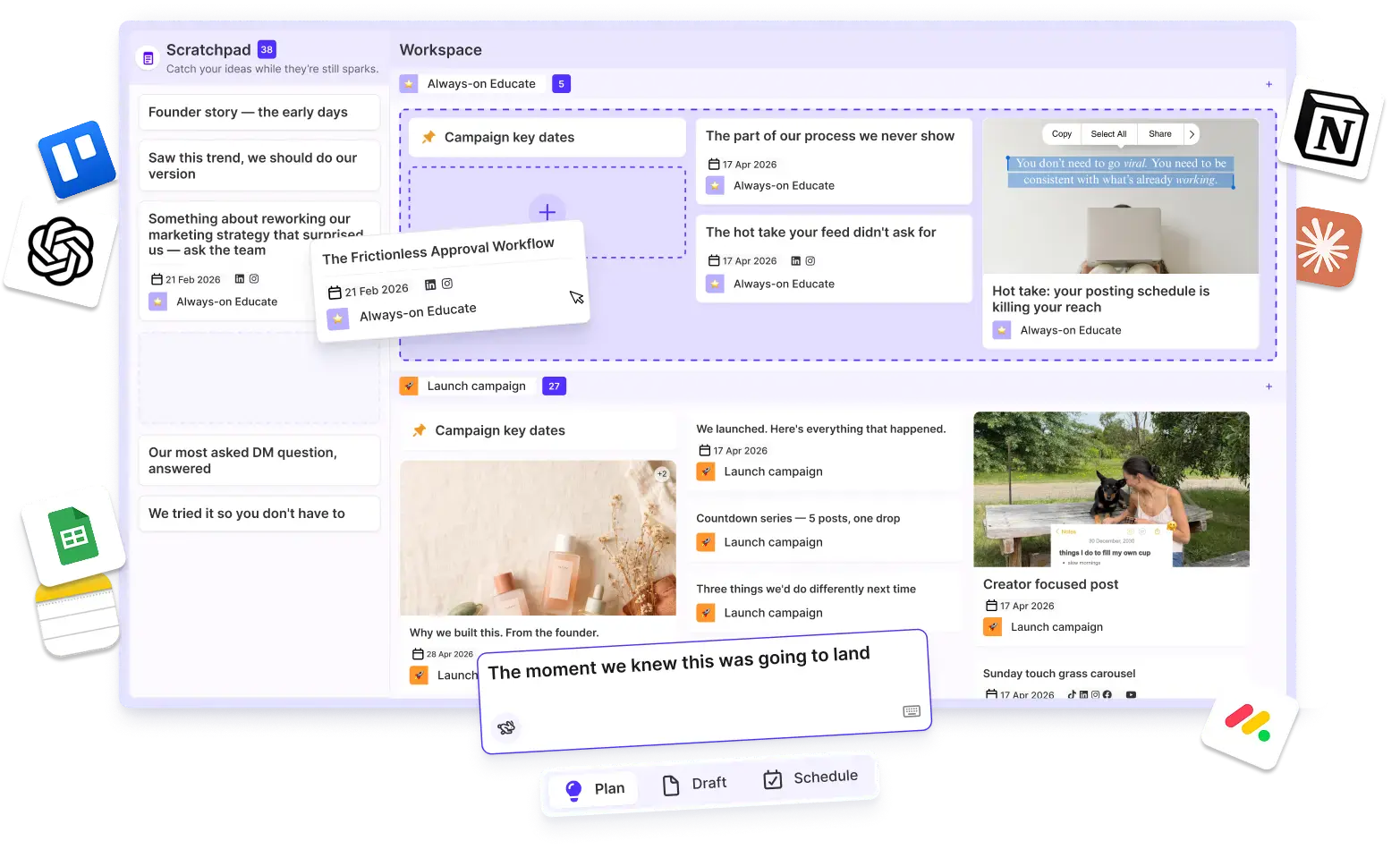
Plan campaigns in one place

Map every campaign before it goes live

Line up launches, themes and key dates on one planner so the whole team works from the same plan.

Common questions

Questions about Ideas.

  • What counts as an idea in Sked?

    Anything that could become a post — a TikTok you saved, a customer comment, a campaign concept, a founder quote. Drop it in Ideas, tag it by pillar or campaign, and when someone's planning next month's calendar they're filtering a library instead of staring at blank space.

  • How does Brand-Smart AI learn my brand voice?

    Point Brand-Smart AI at your Brand Kit — tone, pillars, guidelines, sample posts. It extracts the patterns and drafts against them. Drafts sharpen as you publish more on-voice content.

  • Can stakeholders approve concepts before we shoot?

    Yes. Pre-production approvals route ideas through your review chain before the creative work starts — so the 'not quite' conversation happens at the concept stage, not after the shoot.

  • Which Sked plans include Ideas?

    Ideas ships on every paid plan from Basic up. Brand-Smart AI drafting lives on Grow and above with usage that scales with the plan.

See Ideas in action. Start your 14-day trial.

Try Sked free for 14 days — no credit card, no lock-in. Just the connected workspace your team has been asking for.