Skip to content
Ask AI how Sked can help your business

Video editing

A proper video editor, inside your scheduler.

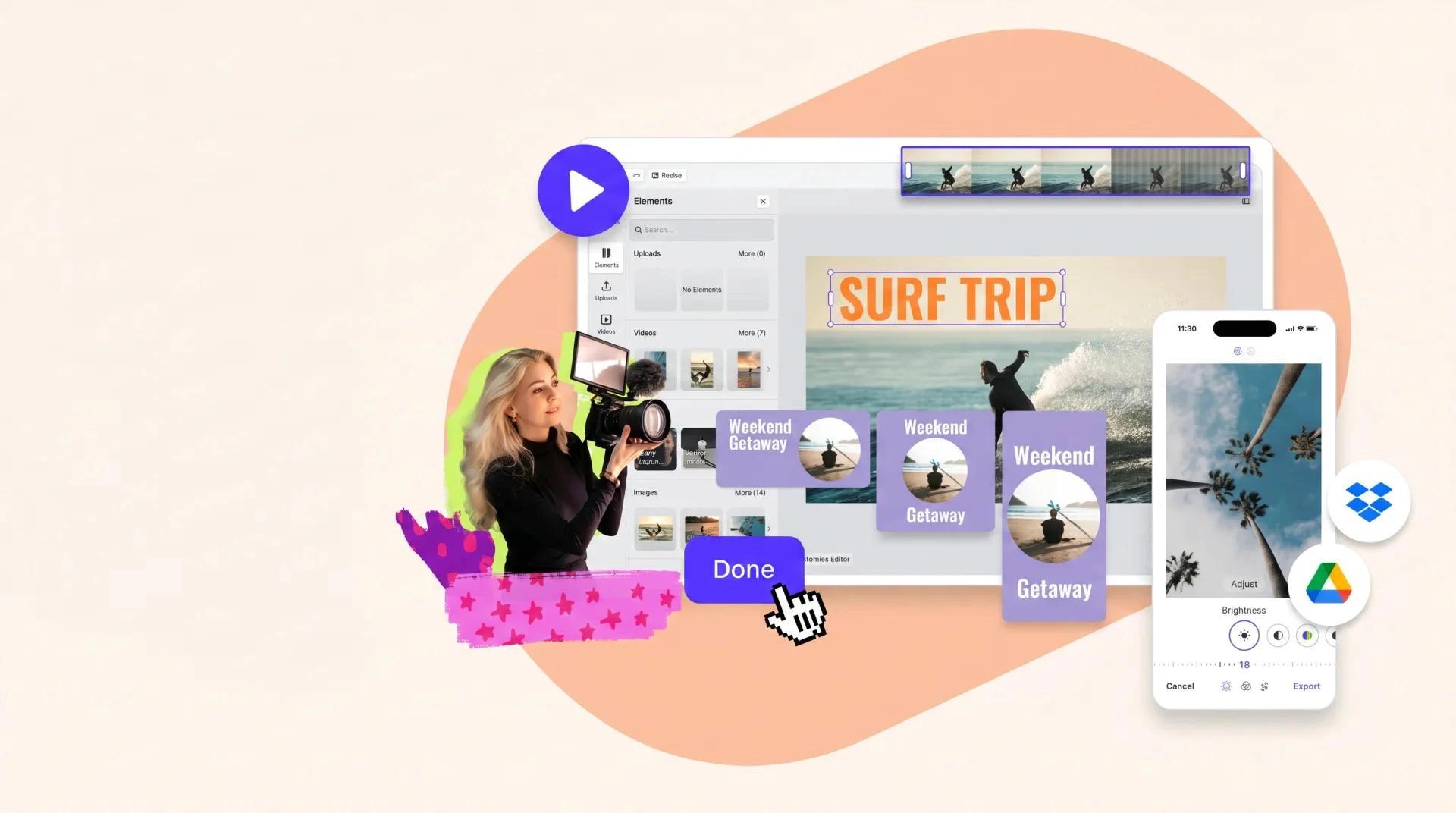
Timeline-based editor — trim, merge, text, audio, effects — built into Sked. Edit once, export for every platform's shape, no round-trip.

Real editing, right here

Not a crop tool. A full timeline.

Timeline

multi-clip editing

Trim, merge, split, layer audio and text.

4

aspect ratios in one project

9:16, 1:1, 4:5, 16:9 — export for every channel without a rebuild.

91%

CSAT rating

Across 10,000+ marketers using Sked.

Edit the video, schedule the video, one workspace.

Trim the opening, overlay captions, duck the audio under the voiceover, stack multiple clips, add a logo-drop outro. Then schedule the edited cut to Reels, TikTok, LinkedIn and YouTube Shorts in one workflow.

Full-timeline editing

Three things the crop-tool schedulers can't do.

  • Timeline-based editing

    Multi-clip edits, layered audio, text overlays, effects. Not a trim tool — a real editor in the same workspace.

  • Every aspect ratio

    9:16 vertical, 1:1 square, 4:5 portrait, 16:9 horizontal. One project, every platform's shape. No per-channel rebuild.

  • Custom Reel thumbnails

    Upload a custom thumbnail frame for every Reel. Your grid stays on-brand even when Instagram doesn't cooperate.

Purpose-built for vertical video teams.

If TikTok, Reels and YouTube Shorts are the bulk of your output, Sked's editor stops the tool-hopping. Captions, audio ducking, multi-clip stitches — all in the queue where you schedule.

Common questions

Questions about Video editing.

  • Is it a full-timeline editor or a basic trimmer?

    Full timeline — multi-clip edits, layered audio, text overlays, effects. Not a crop tool. Sked is one of the few schedulers that ships a real editor.

  • Can I add captions and audio?

    Burn-in captions (auto-generated or manual), audio ducking under voiceover, licensed music clips, sound-design SFX. Everything you'd otherwise open Premiere Rush for.

  • Does it export in every aspect ratio?

    9:16 vertical, 1:1 square, 4:5 portrait, 16:9 horizontal — one project, every platform's shape. No per-channel rebuild.

  • Can I use it for TikTok?

    Yes — vertical editing optimised for TikTok and Reels. Edit once, auto-publish to TikTok, Instagram Reels, YouTube Shorts and LinkedIn video from the same project.

See Video editing in action. Start your 14-day trial.

Try Sked free for 14 days — no credit card, no lock-in. Just the connected workspace your team has been asking for.